

Variable Data Inkjet Printer Maker: Choosing the Right Manufacturer for Your Needs
2026-09-27
Variable data printing has shifted from a premium add-on to a core requirement for modern marketing and packaging. Yet the difference between a good campaign and a great one often comes down to the technology behind the print—and the manufacturer who stands behind it. If you're evaluating options, you already know that precision, speed, and support matter just as much as the spec sheet. That's why savvy print providers are turning to Danmajet for variable data inkjet solutions that keep pace with real-world demands. Before you commit, let's break down what separates a true partner from a simple supplier.
Matching Print Resolution to Your Real Production Needs
Most shops waste time chasing the highest possible DPI when the job simply doesn’t demand it. A banner viewed from across a parking lot can hold up fine at 100–150 DPI, while a catalog page read at arm’s length typically needs 300 DPI or more. The right resolution isn’t a fixed number; it’s a function of viewing distance, substrate, and how the human eye processes detail at that range.
Inkjet and wide-format production add another variable: dot gain and media coating can soften fine detail, so a file prepared at 300 DPI for coated stock may look no sharper than one at 220 DPI on uncoated canvas. Run a small test strip before committing to full output. Adjust the file resolution to the point where further increases stop producing visible gains, then lock that number into your proofing workflow.
This also affects throughput. Oversized files slow down ripping, increase storage needs, and can stall printers that have to resample on the fly. Matching resolution to actual output conditions—not to a generic “print quality” setting—keeps the line moving and reduces waste from reprints caused by soft text or clogged details.
Why Ink and Printhead Durability Matter More Than Specs
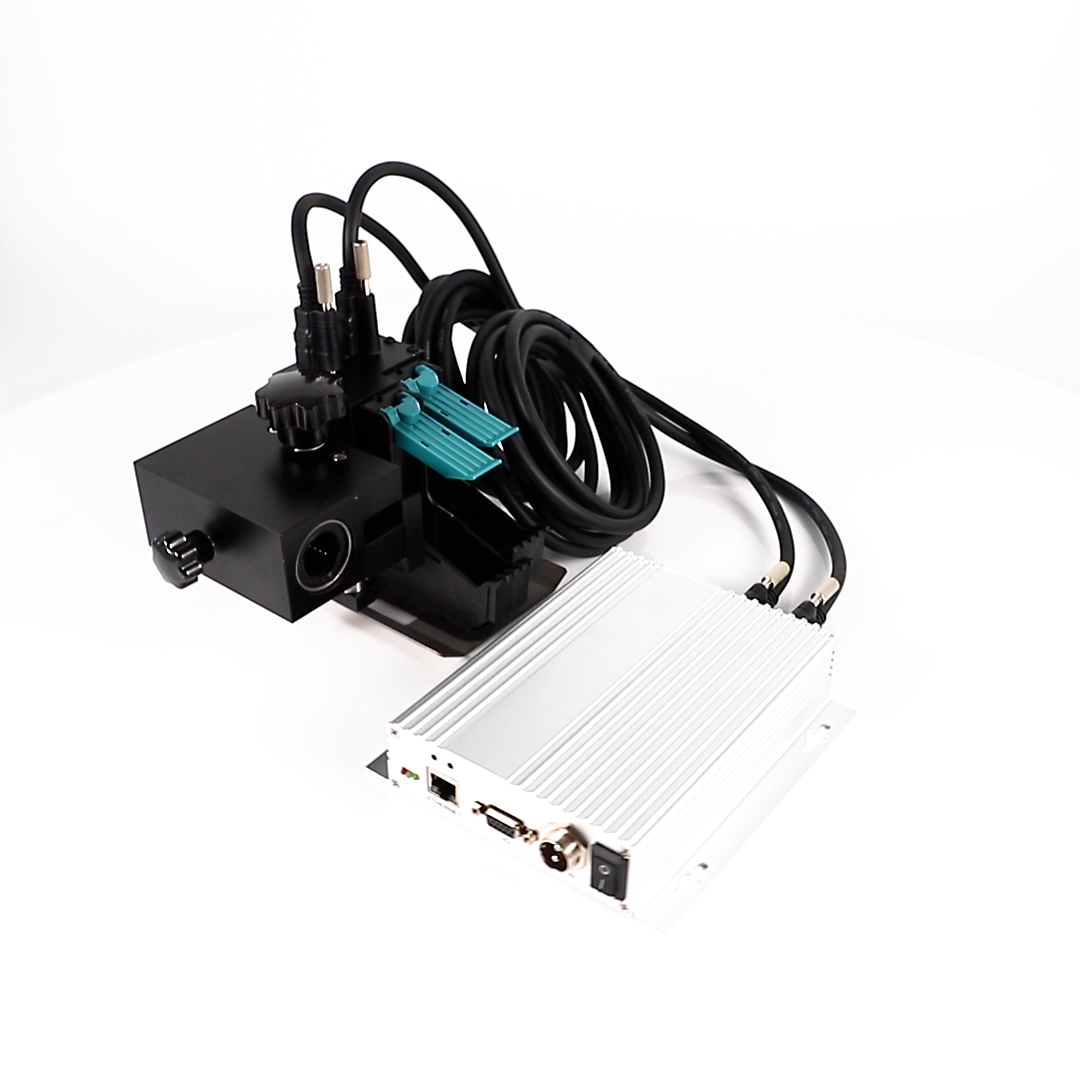
When you're scanning a spec sheet, it's easy to get lost in numbers like drop size or maximum resolution. But those figures only tell you what a printer can do in a controlled lab setting on day one. The real-world story is written by how long the ink keeps flowing without clogging and how well the printhead survives thousands of firing cycles. A printhead that starts out blazing fast but degrades after a few hundred pages will cost you more in ruined prints and replacement parts than any marginal gain in advertised print speed.
Ink formulation is the silent partner here. Cheap, high-solvent inks might look fine on a test chart, but they eat away at nozzle plates and internal seals over time. That leads to uneven dot placement, banding, and eventually complete channel failure. Durable inks, by contrast, are engineered to maintain viscosity and surface tension across a wide temperature range, which keeps the printhead clean and consistent. This matters especially for low-volume users who might not print for weeks—only to come back and find the nozzles irreversibly blocked.
The printhead itself is not just a passive delivery mechanism. Its materials, coating, and internal flow channels determine how well it handles daily stress. A well-designed printhead with robust piezoelectric or thermal actuators can shrug off millions of firings without drifting. That translates to predictable color, sharp text, and fewer maintenance cycles. So next time you compare printers, look beyond the headline numbers and ask what kind of endurance the ink and printhead bring to the table. That's where the real long-term value hides.
Avoiding Integration Headaches with Existing Workflows
The last thing anyone needs is another tool that fights the way your team already works. Instead of forcing a migration or asking you to rebuild automations from scratch, this plugs directly into the systems you rely on every day. Whether it's a simple webhook handoff, a scheduled CSV pull, or a two-way sync with your project management software, the connection points are already there and ready to go.
What really cuts down the headaches is that you can keep your current naming conventions, folder structures, and approval chains intact. There's no required restructuring or retraining—just a short setup window where you map fields once and then let it run quietly in the background.
If something does need a custom touch, the API is documented with real examples, not just a list of endpoints. That means your developers won't have to guess or spend days reading through vague docs. You can extend things gradually, only digging into code when you actually want to, not because you're forced to.
What Service Response Times Really Mean for Uptime
Response time is often viewed as a performance metric, but it quietly shapes how users perceive availability. When a service takes five seconds to reply, many people assume it is down even if the server is technically running. This gap between actual uptime and perceived uptime is where response times matter most. A system can report 99.9% availability while still frustrating users if every third request crawls past a comfortable threshold.
Slow responses also create a cascading effect on infrastructure. Queues fill up, retries spike, and backend systems start to buckle under the weight of unfinished work. A modest slowdown in one component can ripple outward, turning a minor latency problem into a full-blown outage. Tracking response times alongside uptime gives a clearer picture of whether a service is truly healthy or simply limping along.
The relationship is not linear. An extra 200 milliseconds might go unnoticed during quiet hours, but the same delay under peak load can push error rates through the roof. Operations teams that only watch uptime percentages miss the warning signs hidden in response time distributions. By paying attention to how long each request takes, you gain a more honest measure of reliability—one that reflects what users actually experience rather than what a monitoring dashboard claims.
The Hidden Costs of Consumables and Maintenance
The sticker price rarely tells the whole story. A laser printer might look affordable until you factor in replacement toner cartridges that cost nearly as much as the machine itself. Then there are the less obvious items: imaging drums, fuser kits, waste toner bottles, and specialty cleaning supplies that quietly drain your budget month after month. These aren't one-time purchases; they recur on schedules you often don't notice until a warning light appears.
Maintenance adds another layer of expense that's easy to ignore during the initial purchase. Regular servicing, calibration, and unexpected repairs can rival the cost of the original equipment within a few years. Downtime carries its own price too—every hour a machine sits idle waiting for a technician or a backordered part is time your team isn't producing. Comparing only the upfront cost hides the real long-term commitment you're making.
Learning from Current Users: What They Wish They Knew
Most current users admit they spent their first weeks overlooking the small menu tucked behind the gear icon. That's where the real time-savers live: batch actions, custom views, and the quiet toggle that stops the app from nagging you with tips. A few minutes poking around there beats a dozen support tickets.
Another common regret is not setting up a personal sandbox sooner. Users who test new workflows in a throwaway space make far fewer mistakes when it counts. The ones who learn by doing on live data usually end up rebuilding something from scratch at 2 a.m.
Finally, ask the community before assuming a feature doesn't exist. People are surprisingly generous with their hard-won shortcuts, and the answer to your exact headache is often buried in a thread from two years ago. Read those first, and you'll skip the trial-and-error phase entirely.
FAQ
Look beyond the spec sheet. A strong manufacturer will walk you through their ink adhesion tests on your actual substrates, not just standard coated paper. Check if they have a history of integrating with production lines, and ask for references from businesses running similar variable data campaigns. If they hesitate to share real print samples or customer contacts, that is a warning sign.
Request a live demonstration using your own files and substrates. Pay attention to how the printer handles fine barcodes, QR codes, and small variable text at production speed. Durability claims should be backed by standardized rub or weather tests you can repeat. Ask the manufacturer to provide the exact test methods and unedited sample runs, not just polished marketing prints.
The RIP controls how variable data is merged, color managed, and optimized for speed. A printer with excellent hardware but a rigid RIP will bottleneck your workflow. Ask if the software can handle complex variable fields, versioned graphics, and real-time changes without slowing down. A manufacturer that develops its own RIP or works closely with a top-tier software partner is usually a safer bet.
Ink and printheads are the big ones. Some manufacturers quote a low hardware price but lock you into expensive proprietary consumables. Also watch for mandatory service contracts that don't include printhead replacements, or software licenses that require annual fees for essential features. Always ask for a total cost of ownership estimate based on your projected monthly volume, not just a per-page figure from a lab test.
It can make or break a purchase if your jobs vary. A manufacturer with a narrow range of approved substrates may force you to reject profitable work. Ask about ink adhesion on plastics, foils, coated stocks, and even uneven surfaces. If they offer UV, aqueous, and solvent options or have a clear upgrade path, that flexibility often pays for itself quickly.
Find out the average remote response time and whether they have local technicians. Ask how they handle emergency printhead replacement: is it next-day, and who pays for shipping? Also request a copy of the service level agreement to check what counts as normal wear versus a defect. A manufacturer that gives you a dedicated support contact and tracks your machine's performance history is more likely to keep downtime low.
Send them a complex sample job with a few hundred unique records, including images, barcodes, and conditional text. Time how long it takes from file submission to first printed piece. Then ask to watch the operator run the job live or receive a video. If the process requires manual tweaking or software workarounds, that is exactly what will slow down your production later.
A true industrial maker designs for continuous duty cycles, offers rugged printheads rated in billions of drops, and integrates with finishing equipment. They speak the language of production managers, not just IT departments. Check if their printers are field-upgradeable, if they provide spare parts kits, and if they publish realistic uptime data. A repackaged vendor usually lacks deep service infrastructure and avoids questions about long-term reliability.
Conclusion
Choosing a variable data inkjet printer maker rarely comes down to the boldest spec sheet. Print resolution matters, but only when matched to what you actually produce—mailers, labels, or transactional documents each have different thresholds where extra DPI stops adding value. Ink and printhead durability tell you more about daily reliability than a brochure number; a printer that needs constant nozzle cleaning or expensive ink swaps will stall your line no matter how sharp the output. Integration is where many deals quietly succeed or fail. If the device doesn't slot into your existing workflow—your RIP, your database, your finishing equipment—you'll spend weeks patching things together instead of printing.
Service response times deserve a closer look than the marketing language suggests. A four-hour response promise means little if the technician arrives without the right parts, so ask what's actually guaranteed and what's aspirational. Consumables and maintenance often carry costs that only become visible months in: printhead replacement cycles, ink waste, service kits. Current users consistently say they underestimated these figures. Their advice is simple: talk to reference sites running similar jobs, ask about downtime causes, and read between the lines of the contract. A manufacturer that fits your real production rhythm—not just your wish list—will save you far more than a discounted purchase price.
Contact Us
Contact Person: Jacky
Email: [email protected]
Tel/WhatsApp: 086 15000607053
Website: https://www.danmajet.com